05
What's My IP? Check Your IP Address Online
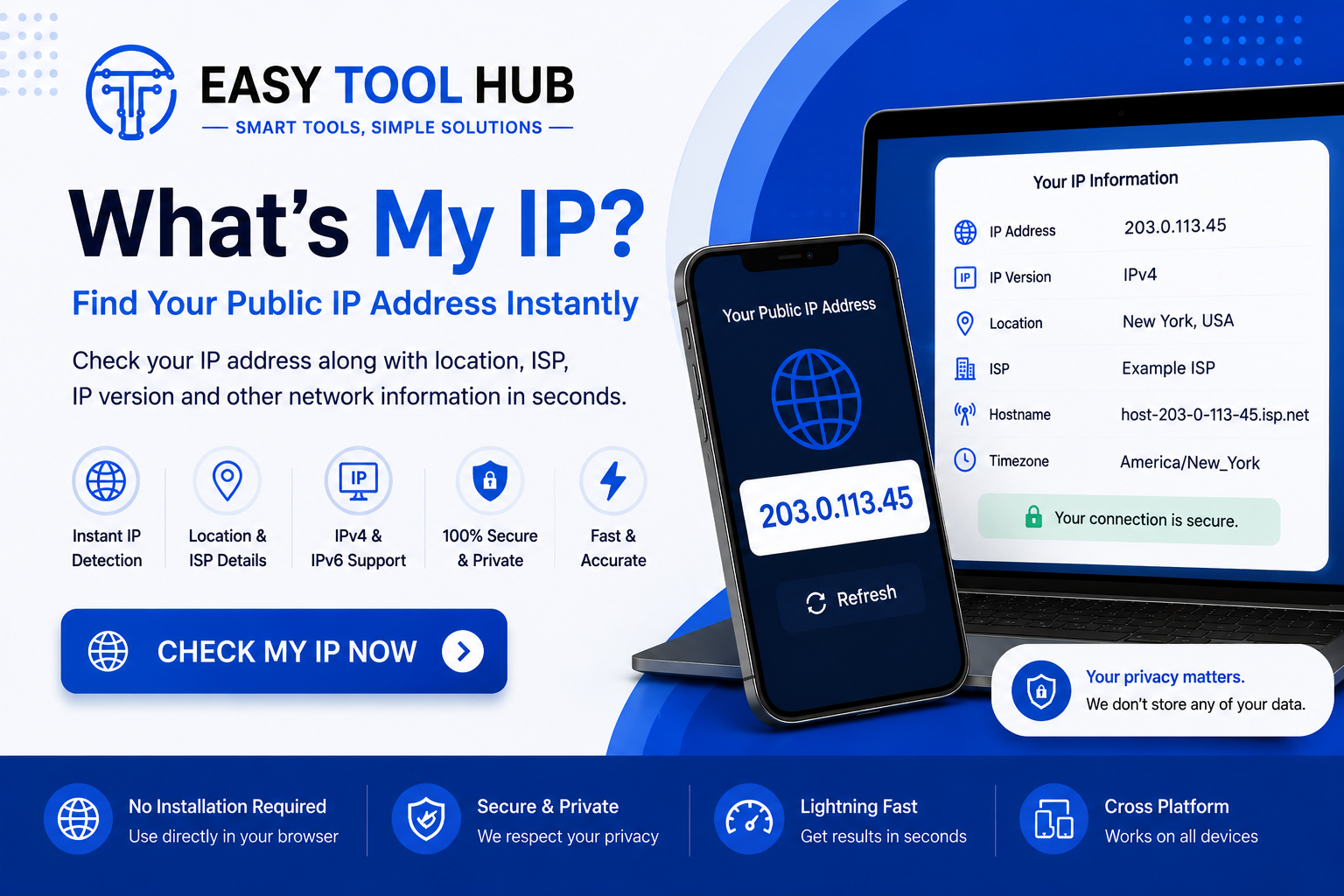
Check your public IP address online instantly. Find your IP, IP version, ISP, and approximate location with our free What’s My IP tool.
What's My IP? Check Your IP Address Online
Have you ever wondered, “What’s my IP address?”
Your device uses an IP address whenever it connects to the internet. Websites, online services, and networks use this address to identify the connection making a request.
You don't need to search through complicated computer settings to find it. A What’s My IP tool can show your public IP address within seconds.
Your IP can also tell you some basic information about your internet connection, such as your approximate location, internet service provider, and IP version.
What Is an IP Address?
An IP address is a number assigned to a device or network connection that communicates over the internet or a local network.
IP stands for Internet Protocol.
Think of it as an address used for internet communication. When you visit a website, your request needs an address so the website can send information back to your connection.
There are 2 main types of IP addresses: IPv4 and IPv6.
An IPv4 address looks something like this:
192.168.1.1
An IPv6 address is longer and uses hexadecimal characters, for example:
2001:db8:85a3::8a2e:370:7334
The IP address you see when using an online “What’s My IP” tool is usually your public IP address.
What Is My Public IP Address?
Your public IP address is the address your internet connection uses when communicating with websites and services on the internet.
Your internet provider assigns it to your connection. Depending on your provider and connection type, the address can stay the same for a long time or change periodically.
When you use a What’s My IP tool, it checks the connection reaching the tool and displays the public IP associated with that request.
For example, if you're connected to your home Wi-Fi, the website will generally see the public IP assigned to your internet connection rather than the private IP assigned to your laptop inside your home network.
Public IP vs Private IP
This difference confuses a lot of people.
A public IP address is used for communication over the internet. A private IP address is used inside a local network.
Your router may have a public IP address provided by your internet service provider. Your phone, laptop, smart TV, and other devices can each have their own private IP addresses inside your home network.
Common private IPv4 ranges include:
- 10.0.0.0 to 10.255.255.255
- 172.16.0.0 to 172.31.255.255
- 192.168.0.0 to 192.168.255.255
So, if your laptop shows an address such as 192.168.1.10, that's usually a private network address.
A What’s My IP website generally shows the public IP that external websites can see.
How to Check My IP Address
Checking your IP address takes only a few seconds.
Open a What’s My IP tool in your browser and visit the page. The tool can detect the public IP associated with your internet connection and display it on the screen.
You don't normally need to install software.
You can check your IP from:
- A Windows PC
- Mac
- Android phone
- iPhone
- Tablet
- Laptop
As long as the device has an internet connection and can open a browser, you can check the public IP.
What Information Can an IP Lookup Show?
A basic IP lookup can provide several details about your connection.
IP Address
This is the main result. It can be an IPv4 or IPv6 address depending on your network.
IP Version
The tool may tell you whether your connection is using IPv4 or IPv6.
Internet Service Provider
Some IP lookup services can identify the organization associated with the IP address.
This may show the name of your ISP or network provider.
Approximate Location
An IP address can sometimes be mapped to an approximate geographic area.
The result may show a country, region, or city, but IP geolocation isn't a precise GPS location.
The displayed city can be different from your actual location, especially when your provider routes traffic through another city.
Network Information
Depending on the tool, you may also see information about the network, organization, ASN, or hostname associated with the IP.
Can an IP Address Reveal Your Exact Location?
Usually, no.
An IP address can provide clues about the general location of an internet connection, but it doesn't normally provide your exact street address.
IP geolocation databases use information about IP ranges and network providers to estimate a location.
The result can sometimes be surprisingly close to your actual area. Other times, it can point to a completely different city.
For example, your ISP might route your connection through infrastructure located in another city. An IP lookup could then associate your IP with that location.
So don't treat an IP location result as a precise physical location.
Why Do People Check Their IP Address?
There are plenty of practical reasons.
Troubleshooting Internet Problems
If you're having network issues, checking your public IP can help you understand whether your connection has changed.
For example, if a service previously showed one IP and now shows another, your ISP may have assigned a different address.
Checking a VPN Connection
If you use a VPN, you can check your public IP before and after connecting.
The IP shown by the tool can help you confirm which public connection websites are seeing.
Testing a Proxy
Developers and network users sometimes use IP checking tools to see what IP address a proxy connection presents to websites.
This can be useful when testing network configurations.
Website Security
Some websites use IP addresses as one part of their security systems.
If you're troubleshooting an access problem, knowing your current public IP can help when speaking with a website administrator or network support team.
Network Administration
System administrators can check public IP information when configuring services, firewall rules, remote access, or other network settings.
Does My IP Address Change?
It can.
Some internet providers assign dynamic IP addresses, which means your public IP can change.
A change may happen after restarting certain network equipment, reconnecting your service, or after a period determined by your provider.
Other connections use static IP addresses, which are intended to remain the same.
If you've checked your IP several times and noticed different addresses, your connection may be using a dynamic public IP.
What Is IPv4?
IPv4 is the older and still widely used version of the Internet Protocol.
It uses 32-bit addresses and is written as 4 groups of numbers separated by periods.
For example:
8.8.8.8
Each group can contain a number from 0 to 255.
IPv4 became extremely widespread, but the number of available addresses is limited. The growth of internet-connected devices created pressure on the available IPv4 address space.
That helped drive the adoption of IPv6.
What Is IPv6?
IPv6 was created to provide a much larger pool of IP addresses.
Instead of 32-bit addresses, IPv6 uses 128-bit addresses.
An IPv6 address can look like:
2001:4860:4860::8888
It uses hexadecimal characters separated by colons.
IPv6 also includes other improvements to the Internet Protocol, including changes related to address configuration and network communication.
Your device may use IPv4, IPv6, or both depending on your internet provider and network setup.
How Does a What’s My IP Tool Work?
A browser sends a request to a website when you open an online IP checking tool.
The website can see the network address associated with that request. The tool then displays the detected public IP to you.
Some tools also query IP databases to provide additional information about the address.
That's why a simple page can show more than just a number.
The exact details depend on the service and the databases it uses.
Can Websites See My IP Address?
Yes.
When you connect to a website, the website's server needs network information so it can send the requested content back to you.
Your public IP is generally visible to the websites and online services you connect to.
Websites may use IP information for purposes such as security, traffic management, fraud detection, rate limiting, analytics, and approximate geographic targeting.
Your IP address is only one piece of information, though. A website can use many other technologies to understand a visit.
Does Incognito Mode Hide My IP?
No.
Private or incognito browsing mainly prevents your browser from saving certain information locally, such as browsing history and cookies after the private session ends.
It doesn't normally hide your public IP address from websites.
If you open a What’s My IP tool in an incognito window without using another network or IP-masking service, the site will generally still see the same public IP.
Does a VPN Change My IP?
A VPN can change the public IP that websites see.
When connected to a VPN, your internet traffic is routed through the VPN service's server. Websites may then see the IP address associated with that server instead of the public IP assigned directly to your normal internet connection.
You can test this by checking your IP before connecting to a VPN and then checking it again afterward.
If the displayed IP changes, websites are seeing a different public IP for your connection.
Does Restarting the Router Change My IP?
Sometimes.
It depends on how your internet provider assigns IP addresses.
If your connection uses a dynamic public IP, reconnecting your router may result in a different address. But there's no guarantee that every restart will produce a new IP.
Some providers keep the same address for a long period.
If you need to know whether your IP actually changed, the easiest method is to check it before and after reconnecting.
Is My IP Address Sensitive?
Your public IP isn't the same as a password or private key, but you should still avoid sharing network information unnecessarily.
An IP address can be used to identify a network connection and can provide approximate geographic information.
It's also useful to remember that your IP address alone generally doesn't identify you by name.
Your ISP may have records connecting an IP address to a subscriber at a particular time, subject to its policies and applicable laws.
Why Does My IP Location Look Wrong?
This happens quite often.
IP geolocation isn't perfect. Different databases can provide different results for the same IP.
Your ISP might register an IP block in one location while routing traffic through another. A database may also have outdated information.
So if your IP checker says you're in a nearby city or even another region, don't assume your internet connection has been hacked.
Try checking the same IP using another reputable lookup service. Results can differ.
What’s My IP on a Phone?
You can check your public IP address from your phone just like you can from a computer.
Connect your Android or iPhone to the internet, open your browser, and visit a What’s My IP page.
If you're using mobile data, the IP shown may belong to your mobile carrier's network.
If you're connected to Wi-Fi, the website will generally see the public IP associated with that Wi-Fi connection.
This means your IP can change when you switch from Wi-Fi to mobile data.
What’s My IP on Windows?
Windows provides several ways to view network information.
You can use Command Prompt or Windows settings to see your local network details. Keep in mind that the address shown there may be your private IP, not your public internet-facing IP.
If you want the public IP that websites see, an online What’s My IP tool is usually easier.
That's especially useful if you're troubleshooting access to a website or checking a VPN connection.
Frequently Asked Questions
What is my IP address?
Your IP address is a network address associated with your internet connection. A What’s My IP tool can show the public IP address websites see when you connect to them.
How can I check my IP address online?
Open a What’s My IP tool in your browser. The page can detect your public IP and display it without requiring you to install software.
What is a public IP address?
A public IP address is used for communication between your network and services on the internet. It's generally the address external websites can see.
What is a private IP address?
A private IP address is used within a local network. Addresses such as 192.168.1.10 are commonly used for devices connected to home or office networks.
Can my IP address reveal my exact location?
An IP address can provide an approximate location, but it usually doesn't reveal your exact street address. IP geolocation results can also be inaccurate.
Does my IP address change?
It can. Many internet connections use dynamic IP addresses, which can change over time. Static IP addresses are designed to remain the same.
Does incognito mode hide my IP?
No. Incognito mode doesn't normally hide your public IP address from websites.
Does a VPN change my IP address?
A VPN can make websites see the IP address of the VPN server instead of the public IP associated with your normal internet connection.
Can I check my IP address on a mobile phone?
Yes. Open a What’s My IP tool in your phone's browser while connected to Wi-Fi or mobile data.
Why is my IP location incorrect?
IP geolocation databases estimate location from network information. Your ISP's routing, registration details, and database accuracy can cause the displayed location to differ from your actual location.
Final Thoughts
Checking your IP address is useful when you're troubleshooting a connection, testing a VPN, checking network information, or simply trying to understand what websites can see.
A What’s My IP tool gives you the public IP associated with your current internet connection in seconds.
Your IP can change when you switch networks, use mobile data, reconnect through certain providers, or connect through a VPN. And the location attached to an IP should always be treated as an estimate rather than an exact physical location.
If you want to know what IP address your connection is using right now, an online IP checker is the quickest place to start.
Contact
Missing something?
Feel free to request missing tools or give some feedback using our contact form.
Contact Us