05
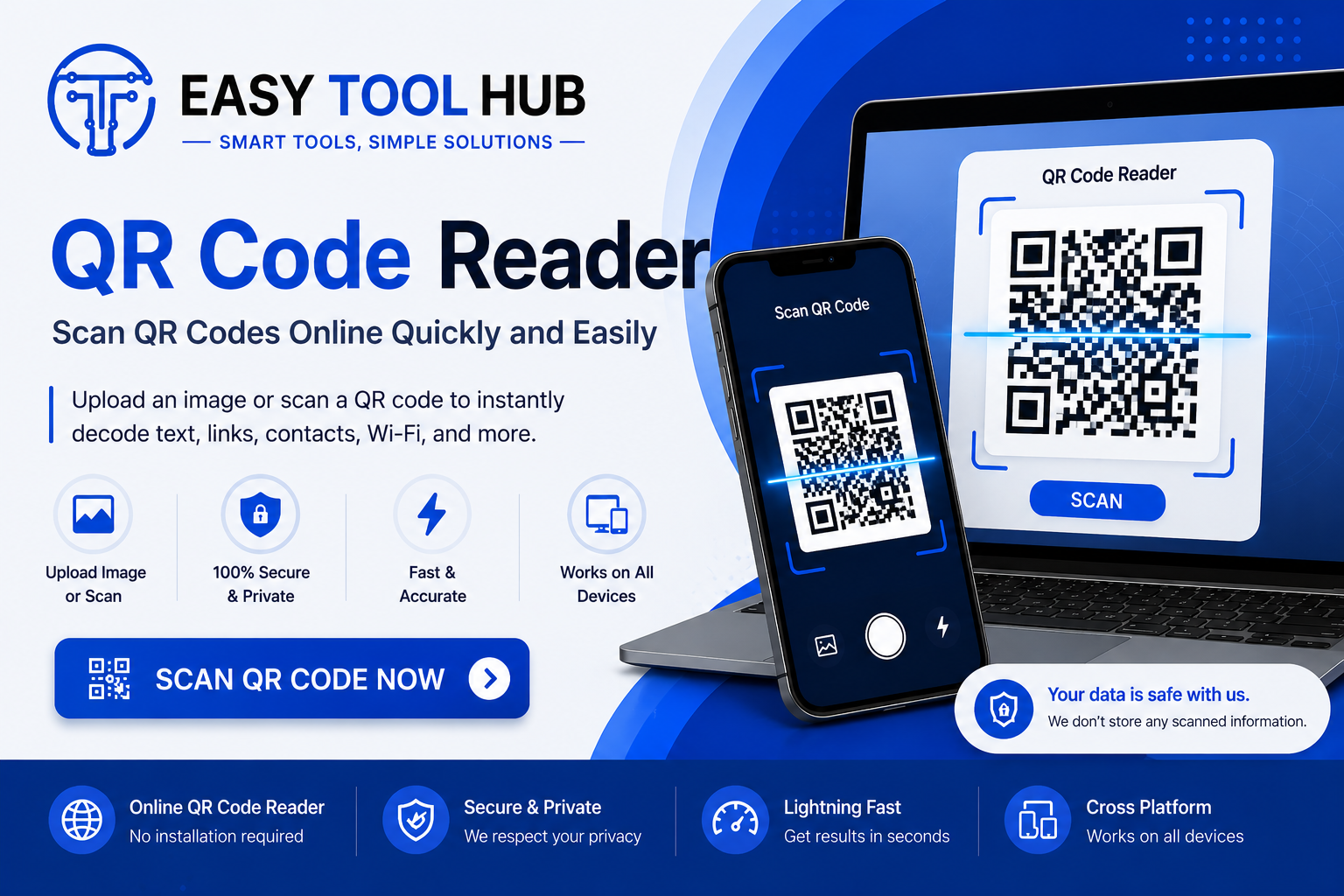
QR Code Reader: Scan QR Codes Online Quickly and Easily
Use a QR Code Reader to scan and decode QR codes from images, screenshots, and photos. Learn how QR codes work and how to read them online.
QR Code Reader: Scan QR Codes Online Quickly and Easily
QR codes are everywhere now. You see them on restaurant menus, product packaging, posters, tickets, business cards, receipts, websites, and even TV screens. A quick scan can open a website, show contact details, connect you to Wi-Fi, display a payment page, or reveal other information stored inside the code.
A QR Code Reader lets you read that information without typing long URLs or manually entering complicated details. If you're using a computer and don't have a QR scanner app available, an online QR Code Reader can be especially useful.
What Is a QR Code Reader?
A QR Code Reader is a tool that reads the information stored inside a QR code and converts it into something you can understand or use.
QR stands for Quick Response. A QR code is a two-dimensional barcode made from a pattern of black and white squares. Unlike traditional barcodes, which usually store information horizontally, QR codes can store data across both horizontal and vertical directions.
When you scan one, the reader analyzes the pattern and identifies the information encoded inside it.
For example, a QR code might contain:
- A website URL
- Plain text
- A phone number
- An email address
- Contact information
- Wi-Fi details
- A location
- A payment link
- A social media profile
- An event or ticket link
The reader then displays the decoded information so you can use it.
How Does a QR Code Reader Work?
The process is fairly simple.
A QR Code Reader first needs an image containing the QR code. This can come from your phone's camera, a saved image, a screenshot, or a photo.
The reader analyzes the image and looks for the square patterns that identify a QR code. Once it finds the code, it processes the individual modules inside the pattern and converts them into the data that was originally stored there.
You might see a website address, text, phone number, or another type of information after the scan.
The exact process happens very quickly, so you usually get the result within seconds.
How to Scan a QR Code Online
An online QR Code Reader can be useful when you have a QR code saved on your computer or stored as an image.
Here's the basic process:
1. Open a QR Code Reader
Open your preferred online QR scanning tool in your browser.
2. Upload the QR Code Image
Choose the image containing the QR code from your device.
A clear screenshot or photo usually gives better results.
3. Let the Tool Read the Code
The reader processes the uploaded image and identifies the QR pattern.
4. View the Result
Once the code has been decoded, the tool displays the information stored inside it.
If the QR code contains a URL, you can open it in your browser. If it contains text, you can copy the text instead.
Why Use an Online QR Code Reader?
You don't always have your phone nearby.
Maybe someone sent you a QR code through email. Maybe you downloaded a QR code image from a website. Or perhaps you're working on a laptop and the code is already saved as a screenshot.
Typing the information manually can be annoying, especially when the QR code contains a long URL.
An online reader can save time by extracting the information directly from the image.
It's also useful for people who work with digital documents, marketing materials, product images, event tickets, and other files that contain QR codes.
QR Code Reader vs. QR Code Scanner
The terms QR Code Reader and QR Code Scanner are often used for the same thing.
A scanner usually refers to a tool that reads a QR code directly through a camera. A reader can also refer to a tool that analyzes an existing image.
For example, your smartphone camera can scan a QR code that's in front of you. An online QR Code Reader can read a QR code from an uploaded image.
The goal is the same: decode the information stored inside the QR code.
What Information Can a QR Code Contain?
QR codes can store different types of information.
Website URLs
This is one of the most common uses.
A business might place a QR code on a poster that opens its website. A restaurant might use one that opens an online menu.
Plain Text
A QR code can contain a simple text message. This can be useful for instructions, notes, product information, or other short pieces of content.
Contact Information
QR codes can contain contact details such as a person's name, phone number, email address, and other information.
This can make sharing contact information much faster.
Wi-Fi Information
Some QR codes contain Wi-Fi network details. Scanning the code can allow a compatible device to connect to the network without manually typing the network name and password.
Email Addresses
A QR code can store an email address or even information used to create a pre-filled email.
Phone Numbers
Businesses can place a QR code on advertisements or printed materials that contains a phone number.
A user can scan it and then choose whether to call the number.
Location Information
QR codes can also contain location or map-related information. This is useful for events, businesses, hotels, and venues.
Where Are QR Codes Used?
QR codes have become common across many industries.
Restaurants
Restaurants often place QR codes on tables, menus, receipts, and signs. Customers can scan them to view menus, order food, leave reviews, or visit the restaurant's website.
Retail Stores
Retailers can use QR codes to provide product information, promotional offers, instructions, or links to online stores.
Marketing
Marketing teams use QR codes to connect printed advertising with digital content.
For example, a poster can include a QR code that takes customers to a product page.
Events
Tickets, invitations, conference passes, and event materials can contain QR codes.
Scanning the code can provide event details or help verify a ticket.
Education
Schools, colleges, and teachers can use QR codes to share websites, learning materials, forms, videos, and other resources.
Packaging
Product packaging may contain QR codes that lead to manuals, product information, registration pages, or company websites.
Can You Scan a QR Code From a Screenshot?
Yes, if the screenshot contains a readable QR code.
This is one of the most useful reasons to use an image-based QR Code Reader.
For example, suppose someone sends you a QR code through WhatsApp or email. You can save the image or screenshot and upload it to a compatible reader.
The result depends on the image quality. If the QR code is blurry, heavily cropped, distorted, or too small, the reader may have difficulty decoding it.
Why Won't a QR Code Scan?
Sometimes a QR code simply doesn't scan.
There are several possible reasons.
The Image Is Blurry
A low-quality photo can make the individual squares difficult to identify.
Try using a clearer image.
The QR Code Is Too Small
If the QR code occupies only a tiny part of an image, the reader may not have enough detail to decode it.
Crop the image around the QR code and try again.
The Code Is Damaged
Printed QR codes can become scratched, folded, torn, or partially covered.
A QR code can tolerate some damage, but too much missing information can prevent it from being read.
Poor Contrast
QR codes need enough visual contrast for the reader to identify their patterns.
A clear dark pattern against a light background generally works well.
The Image Is Distorted
A photo taken from an extreme angle can distort the QR code.
Try a different image or a more direct photo.
Is It Safe to Scan a QR Code?
Scanning a QR code and opening its contents are 2 different things.
A QR reader can decode the information stored in the code. If the result is a website URL, you should still check the destination before opening it.
QR codes can be used by legitimate businesses, but scammers can also place malicious links inside them.
Before visiting an unfamiliar website, check the URL carefully. Be cautious if the link asks for passwords, payment information, or other sensitive details.
A QR code itself doesn't automatically make a website trustworthy.
QR Code Reader on a Computer
QR codes are usually associated with smartphones, but computers can read them too.
If you have a QR code image on your PC, you can use an online QR Code Reader to upload the image and decode it.
This can be useful for:
- Screenshots
- Downloaded images
- PDF documents
- Marketing designs
- Product images
- Digital tickets
- QR codes received through messaging apps
You don't have to manually type the information contained in the code.
How to Get Better QR Scanning Results
A few simple steps can improve the chances of a successful scan.
Use a high-resolution image whenever possible.
Keep the entire QR code visible. Avoid cropping away the edges.
If you're taking a photo, keep the camera steady and avoid reflections.
Make sure the QR code has enough contrast with its background.
If one image doesn't work, try another version of the same QR code. A screenshot or original image may be clearer than a compressed copy.
Can a QR Code Reader Read Damaged QR Codes?
Many QR codes use error correction, which allows some of the encoded information to remain readable even when part of the code is damaged.
The amount of damage a particular QR code can handle depends on how it was created and the error-correction level used.
Small imperfections may not cause a problem. Heavy damage, missing sections, or severe distortion can still make the code impossible to decode.
QR Codes and Mobile Payments
QR codes are also widely used for payments.
A payment QR code may contain information that directs a user to a payment service or payment page.
Because financial transactions involve money, you should be particularly careful when scanning payment QR codes.
Check the recipient, payment amount, and destination before confirming a transaction. A QR code can direct you to a legitimate payment page, but it can also be replaced or manipulated.
QR Codes for Businesses
Businesses can use QR codes to connect physical materials with online services.
A printed business card can contain a QR code that opens a website. A product label can link to instructions. A restaurant receipt can point customers toward a feedback form.
This saves customers from typing URLs manually.
For businesses, QR codes also take very little physical space. A small square can connect a printed advertisement to a full webpage.
Frequently Asked Questions
What is a QR Code Reader?
A QR Code Reader is a tool that decodes information stored inside a QR code. Depending on the tool, it may read QR codes through a camera or from uploaded images.
Can I read a QR code from an image?
Yes. If you have a clear QR code image, an image-based QR Code Reader can usually decode it.
Can I scan a QR code without an app?
Yes. Depending on your device and browser, you may be able to use an online QR Code Reader instead of installing a dedicated app.
Can a QR code contain a website link?
Yes. Website URLs are one of the most common types of information stored in QR codes.
Why does my QR code not work?
The image may be blurry, too small, damaged, distorted, or lacking sufficient contrast. Try a higher-quality image and make sure the entire code is visible.
Are QR codes safe?
QR codes are simply a way to store and transfer information. The content behind a QR code can still lead to an unsafe website, so check unfamiliar links before opening them.
Can I scan a QR code from a screenshot?
Yes. Upload the screenshot to an image-based QR Code Reader if the QR code is clear enough to decode.
Do QR codes expire?
The QR code pattern itself doesn't automatically expire. If it contains a URL, however, the website or service behind that URL can stop working or change later.
Final Thoughts
A QR Code Reader makes it easy to extract information from QR codes without manually typing what's stored inside them.
Whether you're dealing with a website link, contact details, Wi-Fi information, a ticket, or plain text, a QR code can save you time. And when the code is already saved as an image on your computer, an online QR Code Reader is a practical way to read it.
Use clear images, check unfamiliar links before opening them, and keep sensitive information away from untrusted QR codes. With those basic precautions, QR codes are a useful way to move information from the physical world into your digital devices.
Contact
Missing something?
Feel free to request missing tools or give some feedback using our contact form.
Contact Us